Remini AI Review: Best AI Photo Enhancer to Fix Blurry & Old Pictures
One-tap AI photo restoration and HD portrait enhancement | Pricing: Freemium
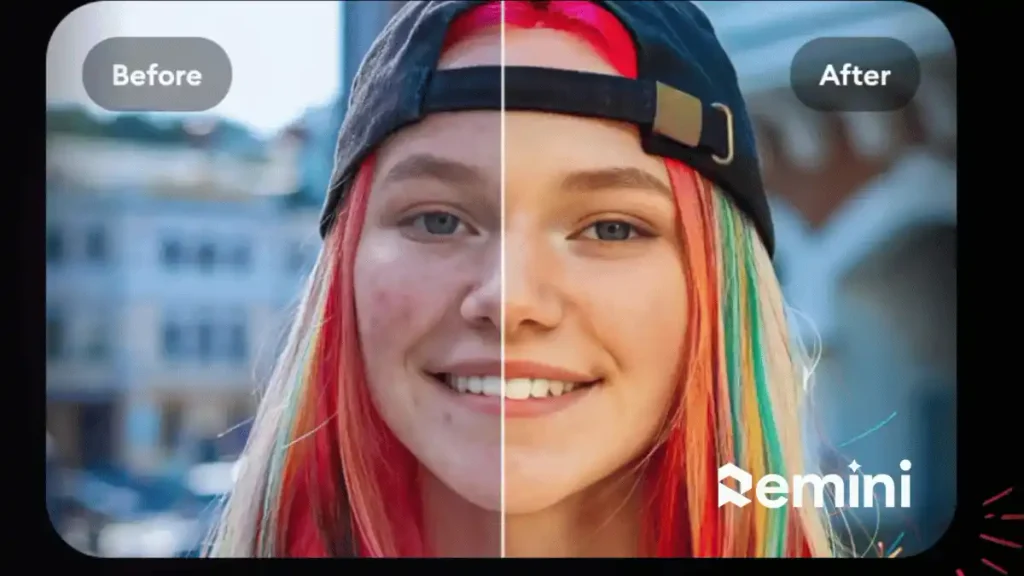
Remini AI is a world-renowned photo and video enhancement tool that uses generative facial reconstruction to turn pixelated, out-of-focus, or damaged pictures into crystal-clear HD portraits. Whether you have an old family photograph, a low-light smartphone selfie, or an AI-generated image that needs extra sharpness, Remini rebuilds missing skin details, eyelashes, and hair strands automatically. Available on both web browsers and mobile devices, it has become an essential post-processing tool for digital photographers and social media creators.
Top 5 Key Features
- AI Face Unblur: Reconstructs out-of-focus eyes, lips, and facial textures into sharp DSLR-like clarity.
- Old Photo Restoration: Removes scratches, motion blur, and compression artifacts from vintage or WhatsApp-forwarded photos.
- AI Photos Avatar Generator: Upload a few selfies to generate realistic studio headshots, wedding aesthetics, or travel portraits.
- Background Enhancer: Sharpens not just the human face, but also distant landscapes, textures, and clothing details.
- Auto Color Correction: Balances washed-out lighting and restores vibrant, natural tones in a single click.
How to Use Remini AI
- Open the Remini Web Enhancer in your browser or launch the mobile app on your phone.
- Upload the blurry or low-resolution image you want to fix.
- Toggle the Face Enhance and Background Enhance switches, preview the before-and-after slider, and download your restored HD photo.
Pricing Breakdown
- Free Version: Available on the mobile app (ad-supported for standard photo enhancements) and web trial previews.
- Remini Web Lite Plan: Costs around $6.99 per week for personal desktop photo enhancements without watermarks.
- Remini Web Pro Plan: Costs around $9.99 per week (or discounted annual plans) for both photo and video HD enhancement with commercial usage rights.
Top 3 Alternatives
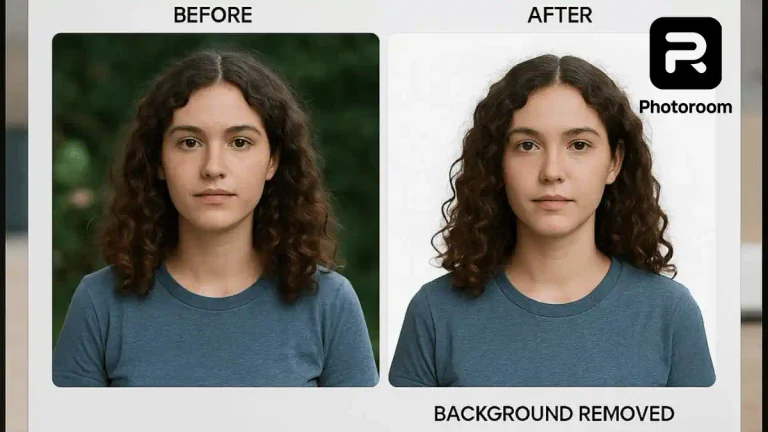
- Photoroom AI: Best if your main goal is replacing the background rather than sharpening a blurry face.
- Leonardo AI Universal Upscaler: Great for adding creative artistic detail to AI-generated art.
- Topaz Photo AI: A professional desktop software alternative for raw DSLR noise reduction and sharpening.
Frequently Asked Questions (FAQs)
Can Remini AI fix completely blurry camera photos?
Yes, Remini excels at recovering facial details from motion-blurred or low-megapixel camera shots.
Does Remini change how a person’s face looks?
It preserves the original facial structure while reconstructing high-definition skin and eye details.
Is there a PC version of Remini?
Yes, Remini offers a dedicated Web Enhancer tool that works directly in Chrome or Edge without needing an emulator.