Adobe Firefly Review: Commercial-Safe AI Photo Editing & Generative Fill Tool
Professional generative AI for photographers and visual creators | Pricing: Freemium

Adobe Firefly is Adobe’s family of creative generative AI models built specifically for photographers, graphic designers, and everyday editors. Trained exclusively on licensed Adobe Stock photos and public domain content, Firefly guarantees that every image you create or edit is 100% safe for commercial use. Through its web application, users can generate studio portraits from text, remove unwanted background objects, or change outfits and lighting with simple brush strokes. It bridges the gap between traditional DSLR photography and modern AI automation.
Top 5 Key Features
- Generative Fill: Brush over any part of a photo to add new objects, change backgrounds, or erase distractions seamlessly.
- Text to Image (Firefly Image 3 Model): Produces realistic photography with natural studio lighting, accurate shadows, and controllable camera angles.
- Structure & Style Reference: Upload an existing photo to match its exact layout or color grading in your new AI generation.
- Generative Expand: Instantly widen vertical mobile photos into horizontal banners with AI-filled surroundings.
- Commercial Safety: Embedded Content Credentials prove origin transparency and protect creators from copyright issues.
How to Use Adobe Firefly
- Go to the Adobe Firefly web app and sign in with a free Adobe ID.
- Select Text to Image to create a fresh visual or Generative Fill to edit one of your own camera photos.
- Enter your description, adjust the Photo Settings (aperture, shutter speed effect, and lighting), and download your final image.
Pricing Breakdown
- Free Plan: Includes 25 monthly generative credits to test text-to-image and generative fill features.
- Firefly Standard Plan: Costs around $9.99 per month for 2,000 monthly generative credits and unlimited access to standard image tools.
- Creative Cloud Plans: Included with Photoshop and full Creative Cloud subscriptions with higher credit limits.
Top 3 Alternatives
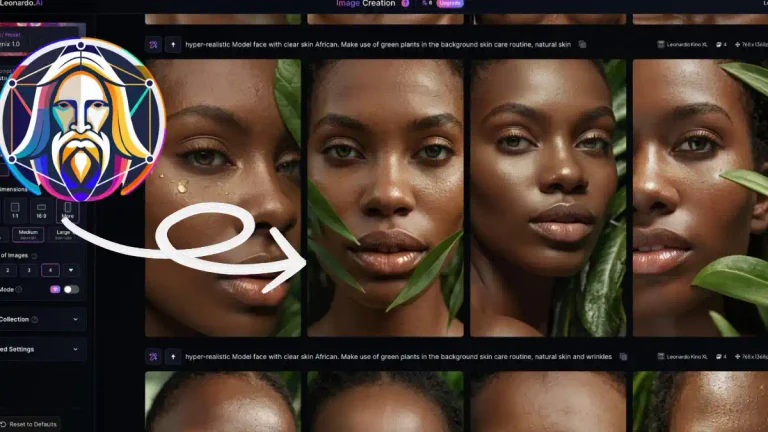
- Leonardo AI: Offers more community fine-tuned models for fantasy and artistic portraits.
- Canva Magic Studio: Great for quick social media templates combined with basic AI photo editing.
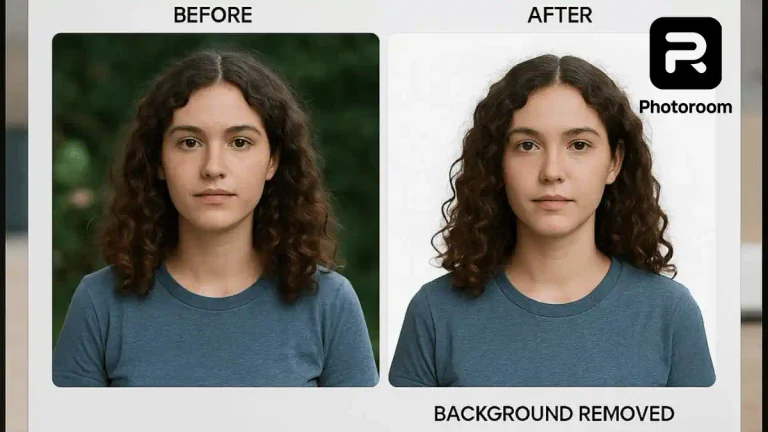
- Photoroom AI: Better suited for automated e-commerce background removal and batch product shots.
Frequently Asked Questions (FAQs)
Are Adobe Firefly images copyright-safe?
Yes, Firefly is trained on licensed Adobe Stock imagery, making outputs safe for business and brand use.
Can I use Adobe Firefly without buying Photoshop?
Yes, the standalone Firefly web app works directly in your browser without installing desktop software.
Does Firefly leave a watermark on free images?
Free tier downloads include Content Credentials metadata, while paid plans offer full unwatermarked commercial flexibility.