Photoroom AI Review: Best AI Background Remover & Product Photography Studio
Turn ordinary phone snapshots into studio-grade photos in seconds | Pricing: Freemium
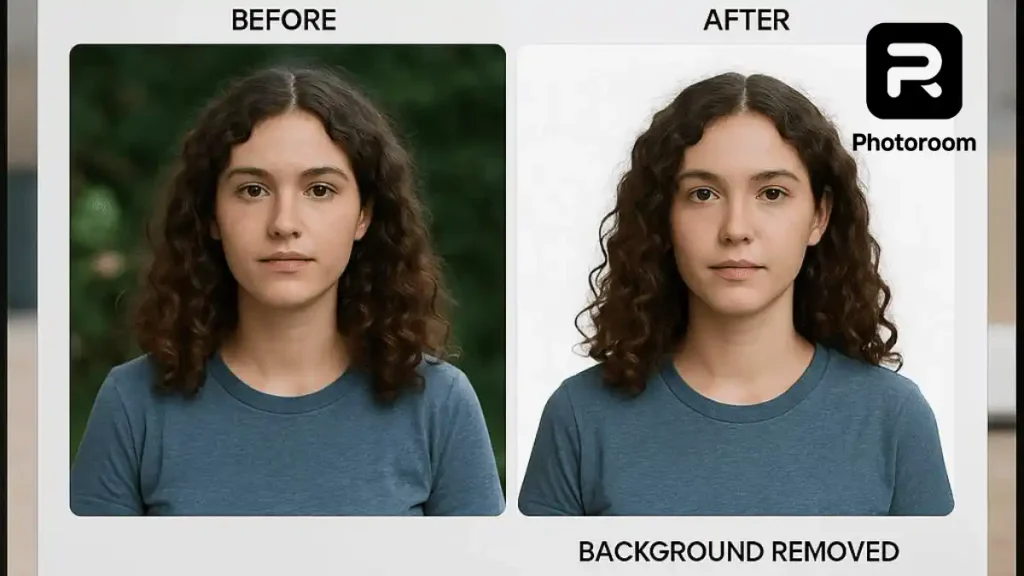
Photoroom AI is a specialized photo editing platform built for e-commerce sellers, portrait creators, and social media managers. Instead of spending hours cutting out subjects in complex desktop software, Photoroom uses deep-learning edge detection to isolate people, hair strands, and products in under two seconds. Beyond simple background removal, its AI Instant Backgrounds feature places your subject into realistic studio scenes with matching shadows and reflections, saving the cost of a physical photography studio.
Top 5 Key Features
- 1-Click Background Remover: Delivers pixel-accurate cutouts around tricky edges like curly hair, transparent glass, and clothing.
- AI Instant Backgrounds: Generates custom studio tables, outdoor nature scenes, or luxury backdrops with realistic shadow casting.
- Magic Retouch: Swipe over skin blemishes, photobombers, or power lines to erase them cleanly.
- Batch Mode: Edit and resize hundreds of photos simultaneously for Instagram, Amazon, or Shopify listings.
- AI Expand & Auto-Lighting: Automatically balances brightness and contrast so subjects blend naturally into new backgrounds.
How to Use Photoroom AI
- Open the Photoroom website or mobile app and tap Start from Photo to upload your picture.
- Wait two seconds while the AI automatically removes the original background.
- Choose a template such as AI Backgrounds or Classic White, customize the shadows, and click Download.
Pricing Breakdown
- Free Plan: Unlimited standard background removals, basic templates, and exports up to 250 times per month.
- Pro Plan: Costs around $9.99 to $12.99 per month (less on annual billing) with HD exports, Batch Mode, and full access to AI Instant Backgrounds.
- Teams Plan: Custom shared workspace pricing for agencies and online stores managing large catalogs.
Top 3 Alternatives
- Remove.bg: Fast single-purpose background cutter, though it lacks Photoroom’s full studio scene generator.
- Adobe Firefly: Better for full creative manipulation and generative painting inside existing photos.
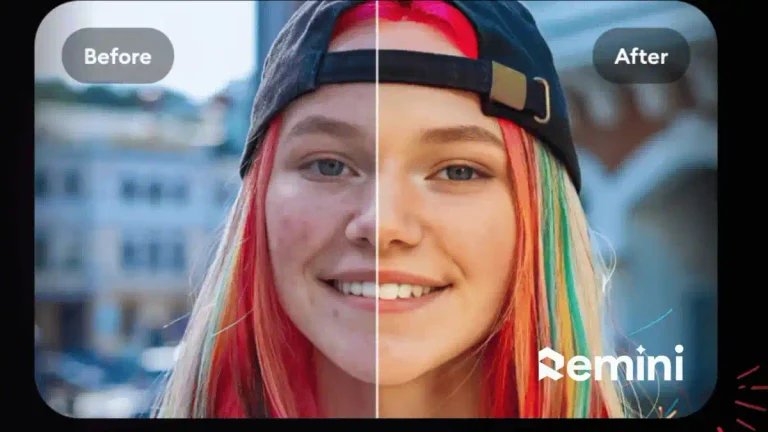
- Remini AI: Focused on sharpening blurry faces rather than replacing backgrounds.
Frequently Asked Questions (FAQs)
Is Photoroom good for portrait and DP editing?
Yes, its studio lighting presets and background blur options make it ideal for creating aesthetic profile pictures.
Does Photoroom work on both PC and smartphones?
Yes, your projects sync across the web browser version, Android app, and iOS app.
Can I remove backgrounds from multiple photos at once?
Yes, the Pro plan includes a Batch Mode that processes dozens of images in a single upload.